
Pause and resume every recording target
Record a region, window, or full screen as H.264 MP4 or animated GIF, then pause or resume from the floating control or Record menu while Stop stays available.
Mark what matters. Version 3.0 adds local MP4 and GIF recording to OneMark Capture's screenshot markup, review, privacy, project, and Share Studio tools.
OneMark Capture 3.0 is now available on the Mac App Store.
Capture a region, window, or full screen
Record a region, window, or full screen as H.264 MP4 or animated GIF
Review MP4 video/audio or refine GIF frames before export
Arrange captures in a 1 x 1 through 3 x 3 Capture Grid
Capture a region, window, or full screen
Record a region, window, or full screen as H.264 MP4 or animated GIF
Review MP4 video/audio or refine GIF frames before export
Arrange captures in a 1 x 1 through 3 x 3 Capture Grid
Keep a private local Capture Library with searchable context
Review OCR, sensitive text, and Visual Privacy candidates
Save editable .onemark projects with grid and review state
Copy, share, drag, export, or compose with App Store Share Studio presets
Made with the app
Actual flattened Share Studio exports, produced locally from captured screenshots and editable markup, alongside the preserved 2.0 capture workflow.
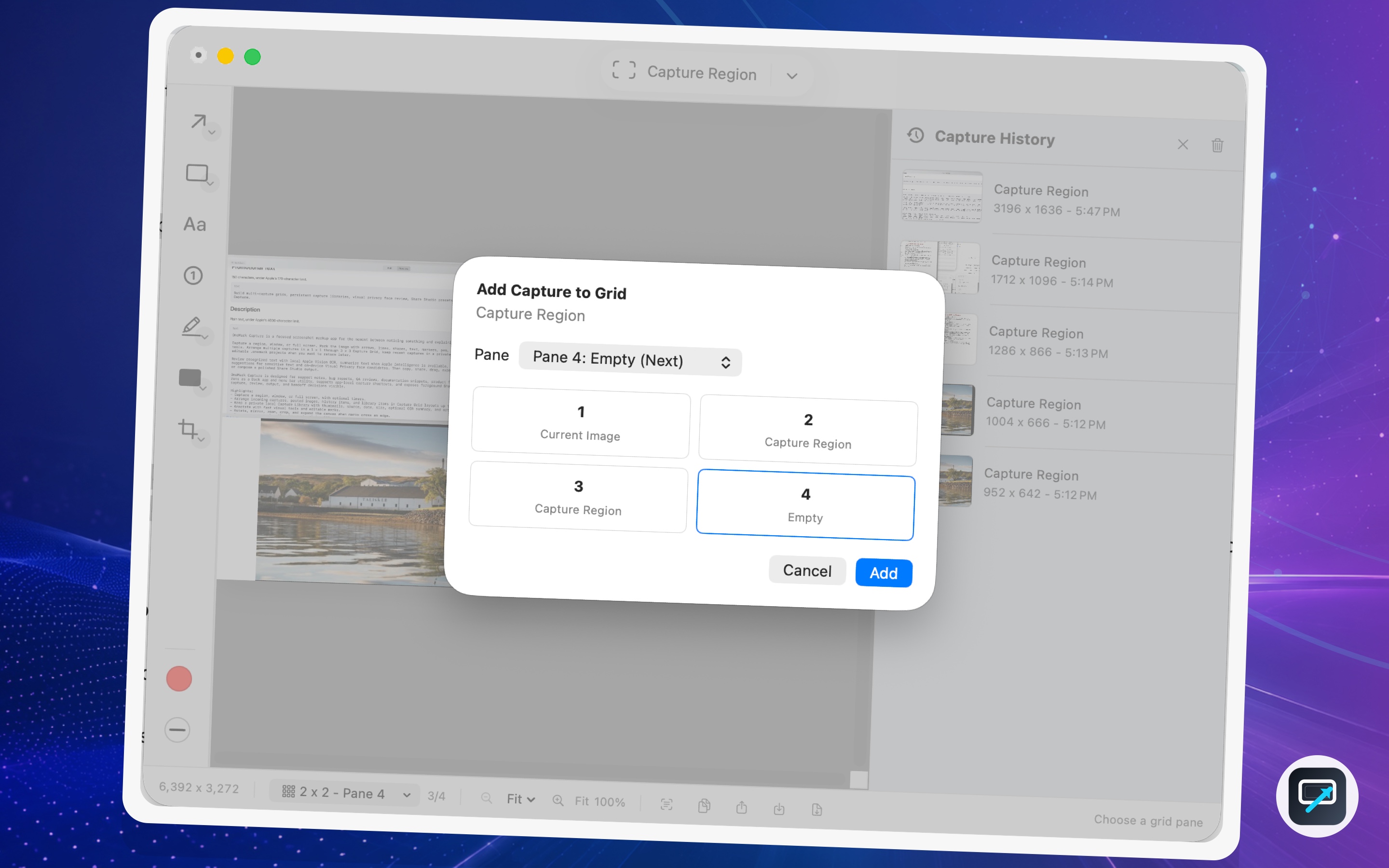
A OneMark Capture 2.0 workflow showing Capture Grid insertion, next-open-pane selection, and local Capture History in the same editor.
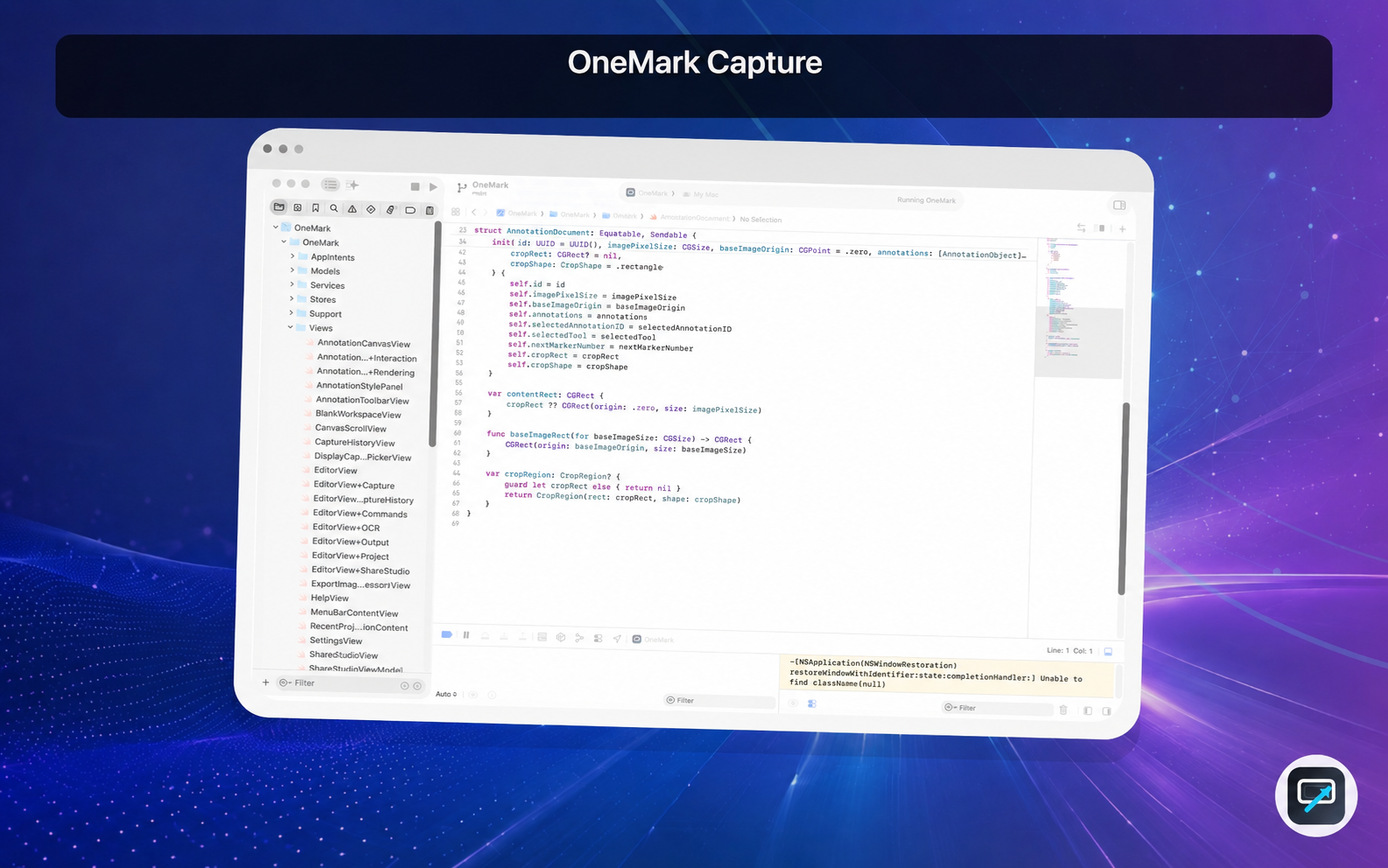
A flattened Share Studio export combining a captured Xcode window, saved logo placement, stage background, and caption band.
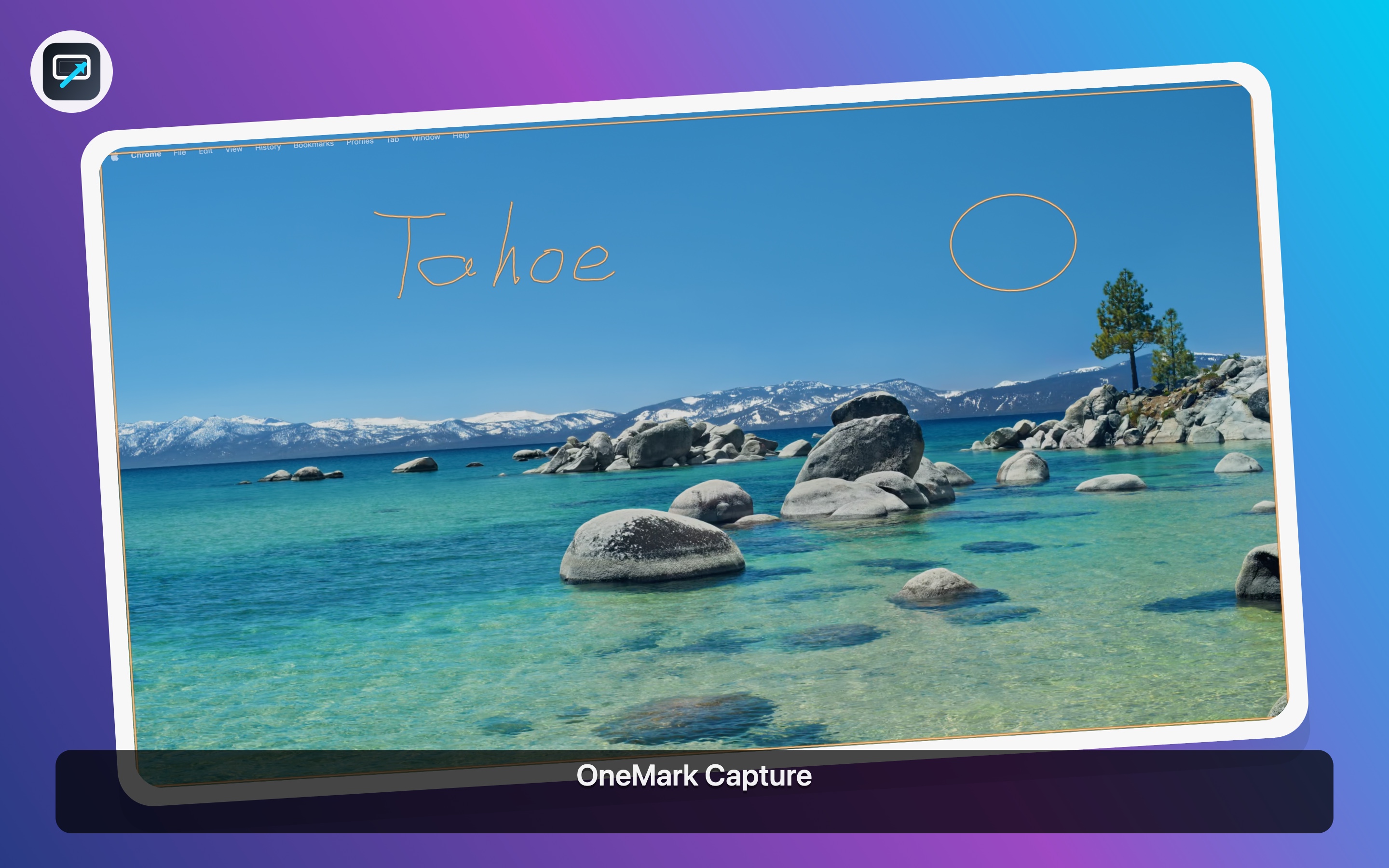
A captured image marked with freehand text and a shape, then composed locally into a product-ready Share Studio output.
Record a region, window, or full screen as H.264 MP4 or animated GIF, then pause or resume from the floating control or Record menu while Stop stays available.
Review H.264 MP4 recordings in the main window with optional system audio and optional microphone audio on macOS 15 or later.
Adjust frame timing, move or reorder frames, duplicate, delete, insert still frames, and export an animated GIF after capture.
Compose accepted-size iPhone, iPad, and Mac App Store screenshots with adaptive Brand & Copy, light or dark themes, and opaque PNG output with no alpha.
Region recording uses a dimmed outside area and visible boundary, quit finalization is safer, and global Capture Region shortcuts are more reliable.
Arrange incoming captures, pasted images, history items, and library items with next-open-pane insertion, explicit pane choice, and pane swapping.
Keep persistent thumbnails with source, date, size, OCR summary, and optional linked project metadata without uploading library contents.
Apple Vision OCR, sensitive-text suggestions, and on-device Visual Privacy face candidates stay reviewable before solid redactions are applied.
Save editable .onemark projects, export flattened images, and run foreground Shortcuts or Siri actions while keeping output decisions visible.
Recording and review
OneMark Capture 3.0 records a region, window, or full screen as H.264 MP4 or animated GIF. Pause and Resume work with either format and every supported audio choice. MP4 recordings can include optional system audio and optional microphone audio on macOS 15 or later, while GIF captures open in a frame editor before export.
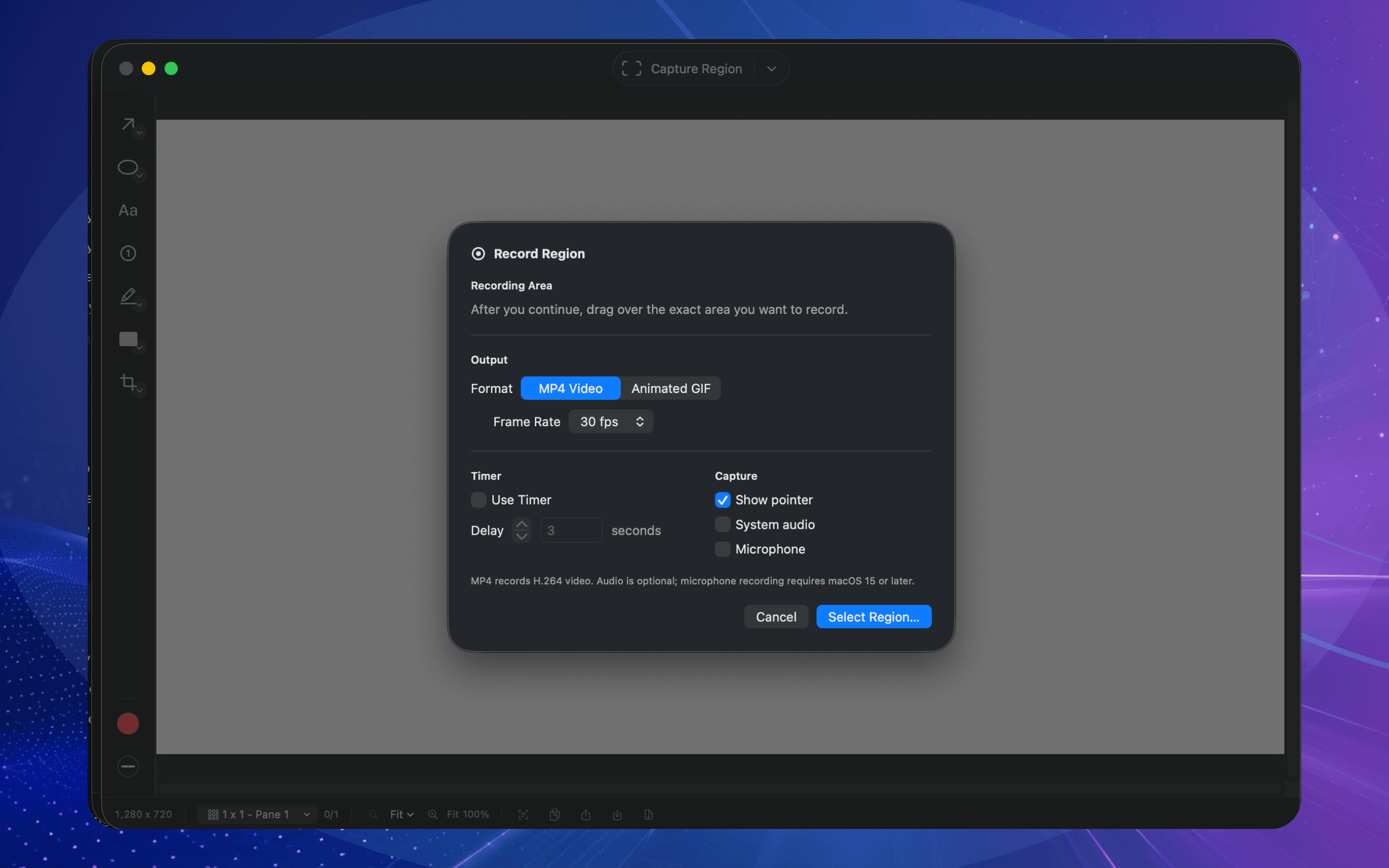
Record a region, window, or full screen as H.264 MP4 or animated GIF, with system and microphone audio remaining opt-in for MP4.
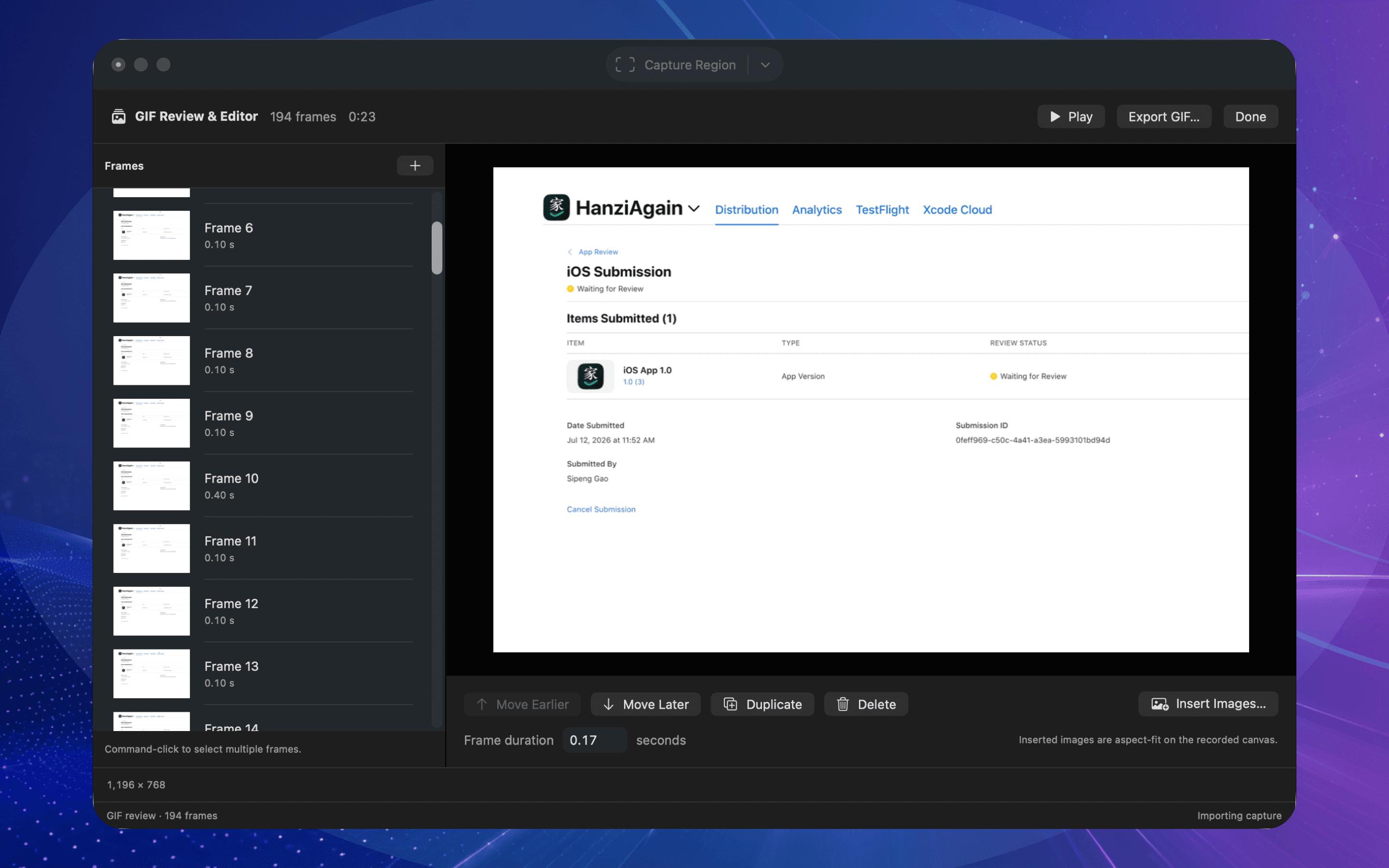
Move, reorder, duplicate, delete, or insert still frames, adjust individual durations, then preview and export the finished GIF.
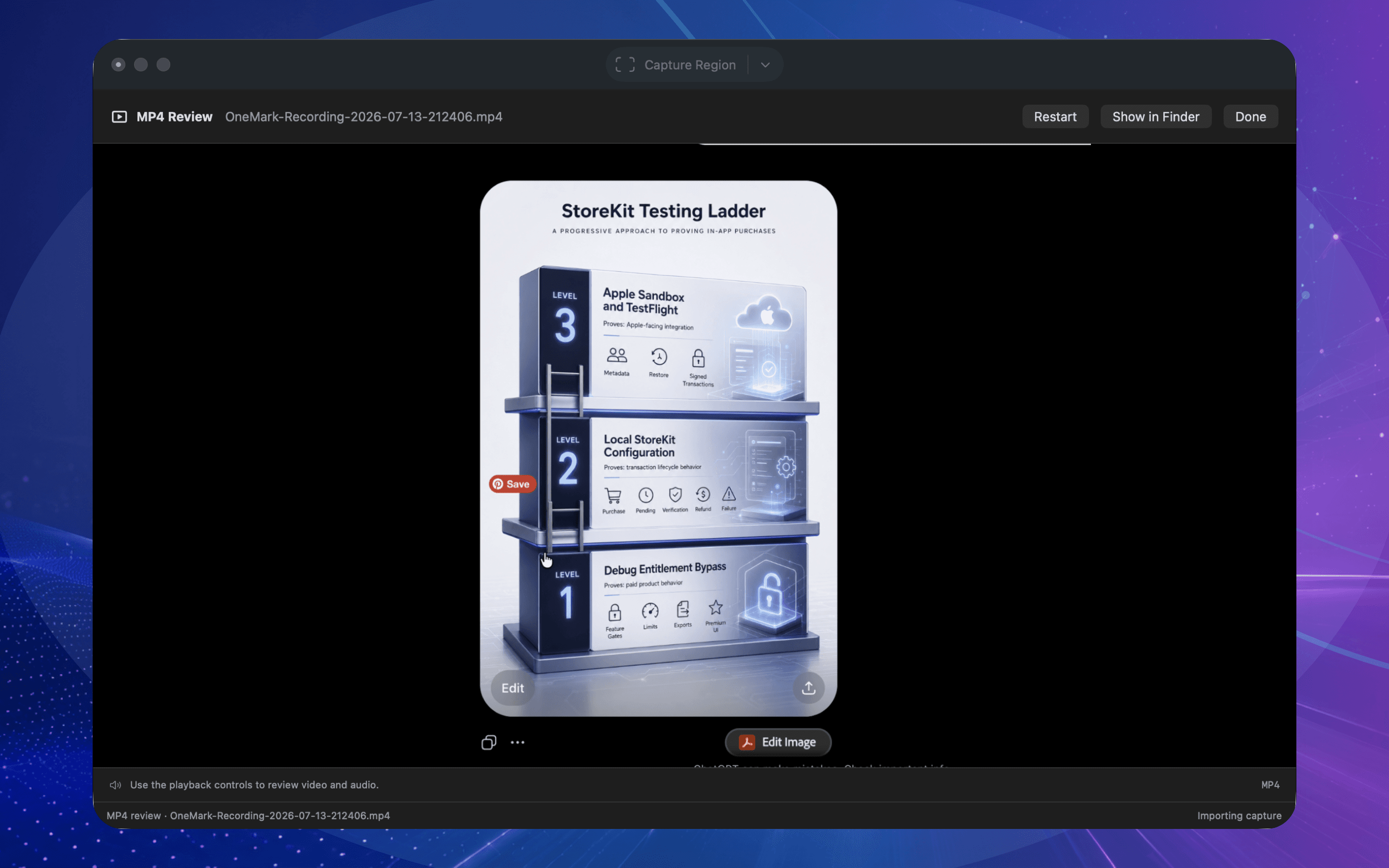
Inspect an MP4 recording after capture or reopen it later with File > Review Recording before showing it in Finder.
Review before output
OneMark Capture scans screenshots locally with Apple Vision OCR. The review pane keeps recognized text selectable, restores saved analysis when the image still matches, summarizes text where Apple Intelligence is available, and reviews sensitive-text plus on-device Visual Privacy face candidates before applying editable redactions.
Local first
OneMark Capture runs as a Dock app and menu bar utility. Open a new blank window with Command-N, use app-local shortcuts, optional global capture, foreground Shortcuts, and Siri actions while keeping capture, recording, review, export, and handoff choices visible.